
How to Reset and Maintain Your RAZ RYL Vue 70K Kit Power Bank for Peak Performance
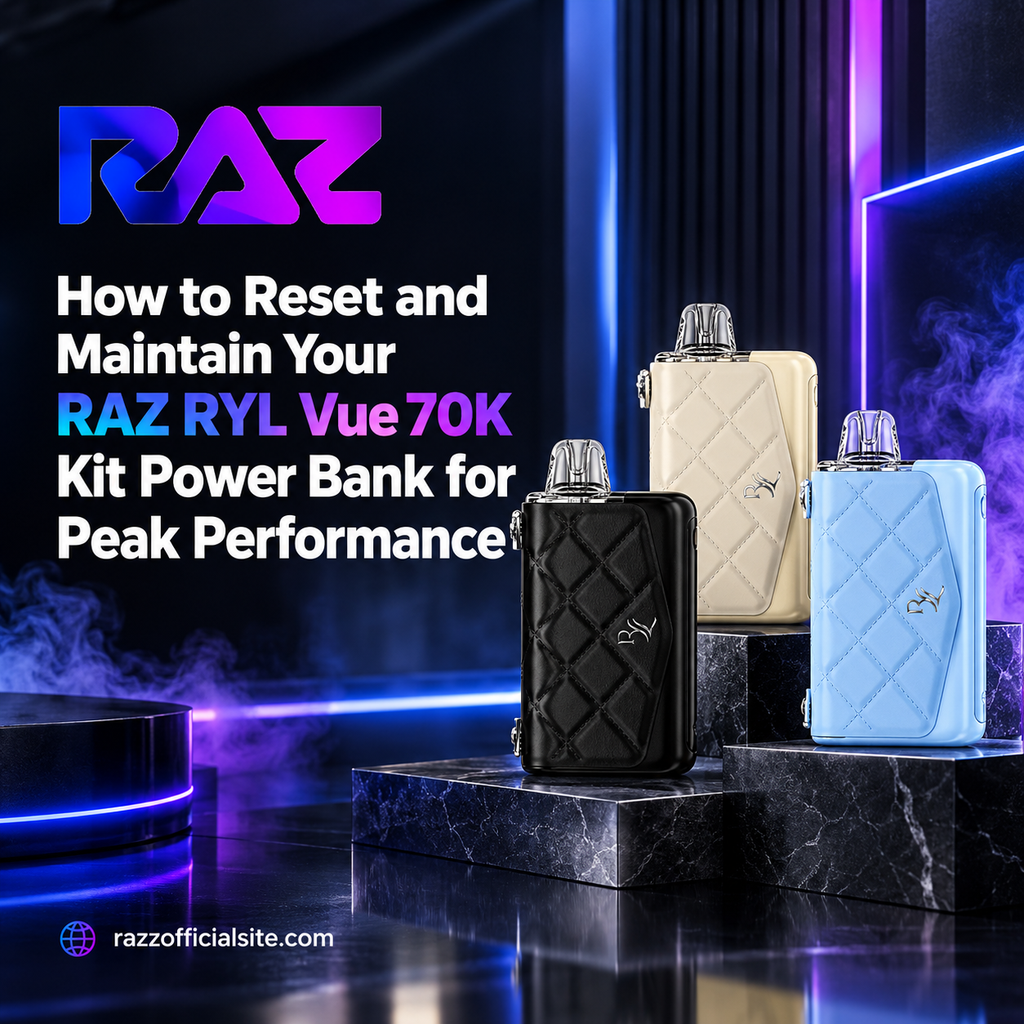
Table of Contents
- Introduction to Power Bank Maintenance
- How the RAZ RYL Vue 70K Power Bank System Works
- Step-by-Step Guide: Resetting Your Power Bank Screen
- Proper Charging Protocols for Maximum Battery Health
- Top 10 Flavor Profiles Breakdown
- Cleaning and Maintaining Contact Pins for Efficiency
- Troubleshooting Common Power Bank and Pod Issues
- Best Practices for Long-Term Storage and Safety
- Frequently Asked Questions (FAQs)
Modern electronic hardware relies heavily on smart battery systems to deliver long-lasting daily utility. The introduction of modular power bank charging systems in high-capacity devices allows users to keep their pods charged on the go without being tethered to a wall outlet. However, keeping these smart power bases running smoothly requires basic care, proper charging habits, and occasional system resets.
Understanding how to care for your external battery unit ensures you get maximum efficiency throughout its entire lifespan. The Raz Vape ecosystem features modular charging technology designed to keep your setups active during long days away from home. When digital screens freeze, power meters miscalculate, or connection pins get dirty, knowing the right maintenance procedures quickly restores your device to factory performance.
How the RAZ RYL Vue 70K Power Bank System Works
The modular power bank base serves as both a high-capacity portable charger and an interactive control hub for attached pods. It houses a rechargeable battery, magnetic docking pins, and a digital display screen that tracks battery percentages and output status. When a pod is docked into the base, energy transfers seamlessly to power the heating coil or recharge internal pod cells.
Using a RAZ RYL Vue 70K Kit offers tremendous flexibility, but like any electronic device, soft firmware glitches can occur. Overcharging, rapid disconnections, or minor static buildup can cause screen freeze or inaccurate battery readings. Simple reset routines quickly clear these system errors and recalibrate your power readings.
Step-by-Step Guide: Resetting Your Power Bank Screen
Resetting your power bank clears soft errors and recalibrates the internal battery management system (BMS). Follow these straightforward steps to perform a manual reset on your power bank base:
- Undock the Pod: Remove the e-liquid pod completely from the magnetic charging cradle on top of the power base.
- Inspect the Bay: Look inside the connection bay to ensure no liquid, dust, or pocket lint obstructs the magnetic pins.
- Initiate Power Down: Press and hold the primary power button for 5 to 8 seconds until the digital screen turns off completely.
- Perform a Cold Reset: Leave the power base undocked and turned off for roughly 30 seconds to allow internal capacitors to clear residual charge.
- Power On and Reconnect: Press the main button to turn the screen back on, then firmly seat your pod into the magnetic docking port.
Proper Charging Protocols for Maximum Battery Health
Battery health depends heavily on using correct charging habits. High-capacity power bank bases use lithium-ion cells that require stable voltage input to prevent degradation. Always charge your power base using a standard 5V/1A or 5V/2A wall adapter paired with a certified Type-C cable.
Avoid leaving your device connected to high-wattage fast chargers intended for laptops or tablets, as excess voltage can heat internal circuits and shorten overall cell life. Removing your device from the charger once it reaches 100% capacity prevents trickle-charge stress and keeps your Raz Disposable Vape power dock performing reliably for months.
Top 10 Flavor Profiles Breakdown
| Flavor Name | Primary Flavor Profile | Taste Characteristics |
| Bitch Please | Tropical Fruit Fusion | A sweet, vibrant mix of exotic tropical fruits with a smooth finishing note. |
| Blueberry Watermelon | Berry & Fresh Melon | Ripe blueberries blended smoothly with crisp, juicy watermelon slices. |
| Cali Mint | Crisp Spearmint | A cool, refreshing spearmint profile delivering a clean, invigorating draw. |
| Cherry MTN Dew | Citrus & Sweet Cherry | A bright citrus soda base infused with bold, sweet cherry notes. |
| Frozen Grape | Concord Grape & Ice | Deep, rich Concord grape taste finished with a frosty menthol chill. |
| Icy Mint | Chilled Peppermint | Strong, crisp peppermint delivering a powerful cold rush on every inhale. |
| Night Crawler | Sweet & Tart Sour Gummy | A nostalgic sweet and sour gummy worm profile with complex fruity notes. |
| Peach Slush | Orchard Peach & Frozen Slush | Sweet, sun-ripened peaches blended into a chilled frozen slushie treat. |
| Pink & Blue | Raspberry Candy Blend | A playful mix of sweet pink berry candy and tart blue raspberry. |
| Pretty in Pink | Pink Lemonade | Zesty, bright pink lemonade balanced by subtle sweet berry undertones. |
Cleaning and Maintaining Contact Pins for Efficiency
Over time, small amounts of condensation, dust, or lint can settle onto the metallic contact pins connecting the power base to the pod. Physical buildup creates electrical resistance, which can prevent proper charging or cause inaccurate screen readings when checking your Raz Vape Flavors pod.
Cleaning your contact pins takes less than a minute. Disconnect the pod and use a clean, dry cotton swab to gently wipe down the gold-plated spring pins inside the bay. Never use harsh chemical solvents or abrasive pads, as these can strip protective coatings and damage sensitive electrical pathways.
Troubleshooting Common Power Bank and Pod Issues
If your power bank fails to recognize a connected pod, first inspect the magnetic alignment to ensure the pod seats fully into the bay. If the digital display flickers or fails to show charging icons, reconnect the Type-C power cable to confirm the base receives adequate power.
In rare cases where the screen freezes completely and does not respond to button presses, plugging the power base directly into a power source for two seconds can jumpstart the internal circuit and clear the frozen display state.
Best Practices for Long-Term Storage and Safety
When storing your power bank base for extended periods, keep the battery charged to roughly 50% capacity. Storing lithium-ion batteries fully depleted or at 100% charge for long stretches speeds up natural capacity degradation.
Always store your device in a cool, dry place away from direct sunlight, hot vehicles, or freezing outdoor conditions. Taking good care of your portable charging base ensures reliable performance whenever you pick up a Raz Vape Near Me.
What is a Raz vape and how does it work?
A Raz vape is an electronic vaping device designed to vaporize e-liquid using an internal rechargeable battery, a heating element, and a pre-filled liquid reservoir.
How do I keep my Raz vape working properly?
Keep connection pins clean, avoid using high-voltage laptop chargers, store the device at room temperature, and perform a quick screen reset if digital displays freeze.